
Shared project environments where software teams work with coding agents together.
Problem
Sharing one agent mixes instructions; separate agents split context.
Approach
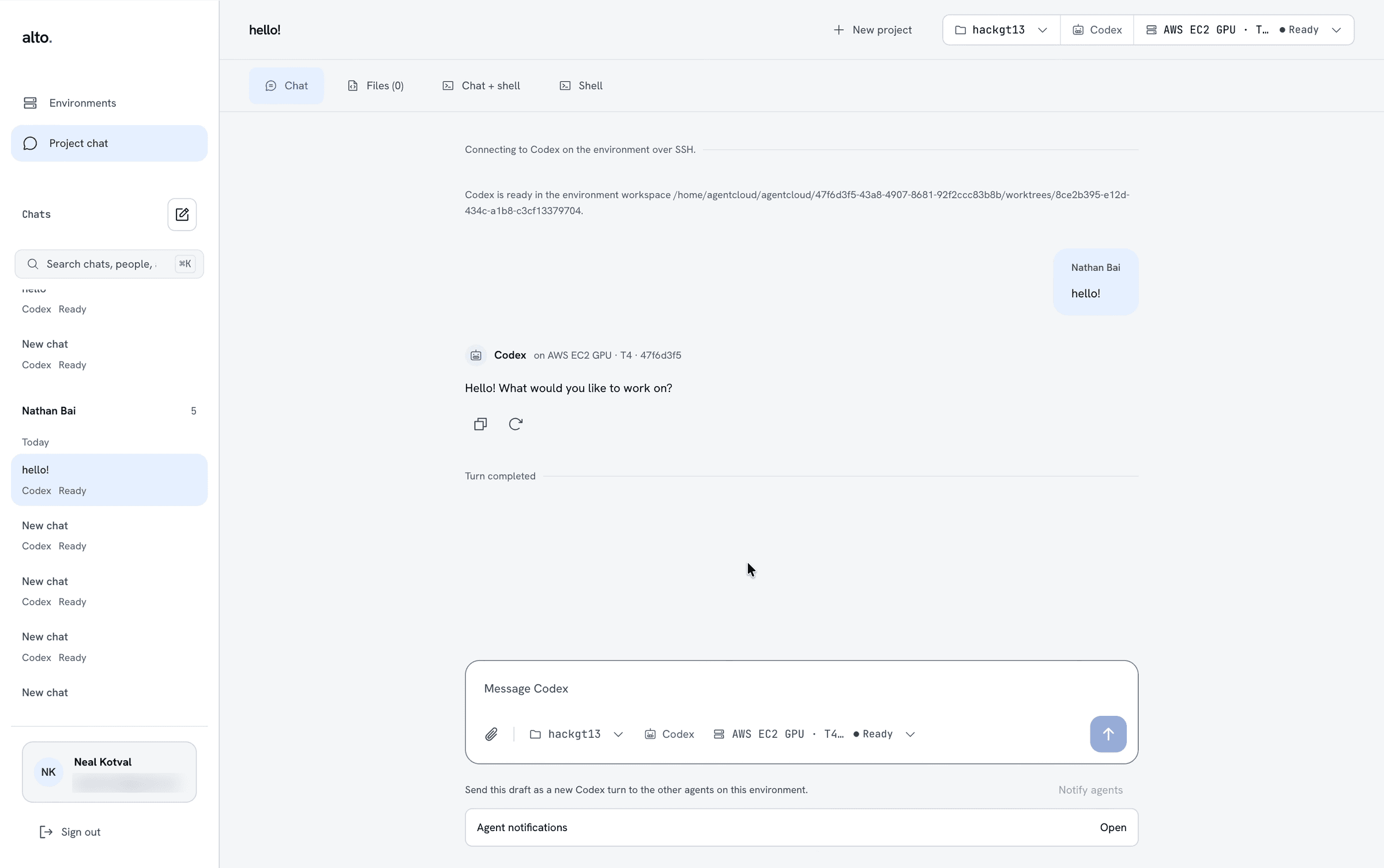
One conversation and Git worktree per agent, on a shared environment.
My part
Org auth, environment requests, and the web-to-desktop Codex experience.
Outcome
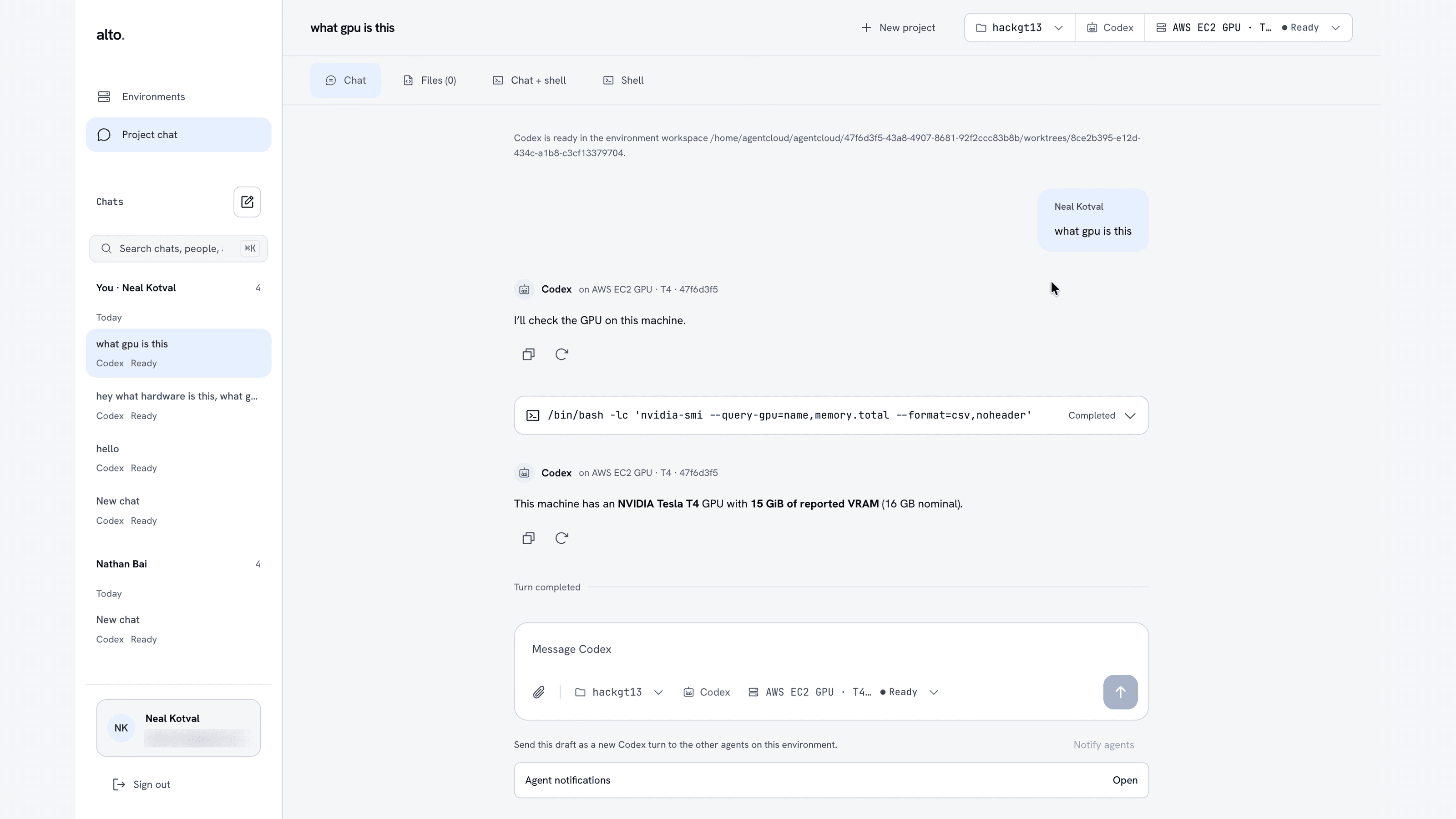
Full path demoed: web → desktop → sign-in → Codex chat.
Context
One shared session
Instructions get mixed. Ownership is unclear.
Separate sessions
Context splits. Work duplicates. Handoffs are hard.
Alto
A conversation and worktree per agent, with explicit handoffs.
Boundary: teammates share machine resources and a Unix account. Worktrees prevent edit conflicts, not access to each other’s files.
Team & my role
Me
- Organization auth (Better Auth)
- Environment requests and policy checks
- Codex session transport and persistent chats
- Environment-to-chat handoff, browser login
- Reconnection after interruptions
- Much of the web and desktop UI
Neal Kotval
- Environment workers
- SSH authorization and revocation
- Reconciliation and cleanup
Aarush Mathad
- Initial Electron shell
- Task/chat integration, deep links
- Backboard memory
Shared AWS EC2 provisioning with Terraform · Docker infrastructure · web and desktop integration
Product
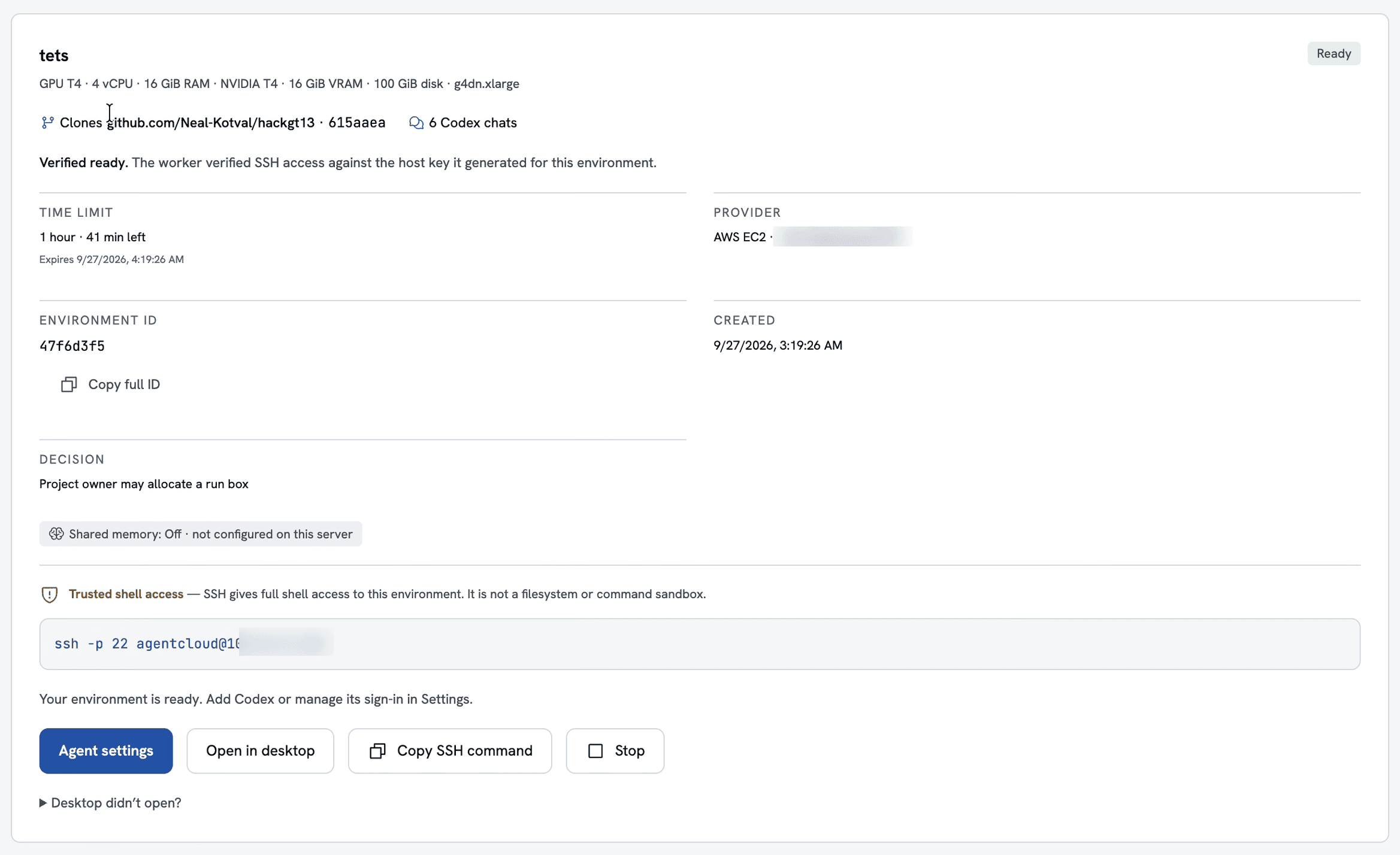
- 1Ready once the worker verifies SSH access
- 2Access decided by project membership and role
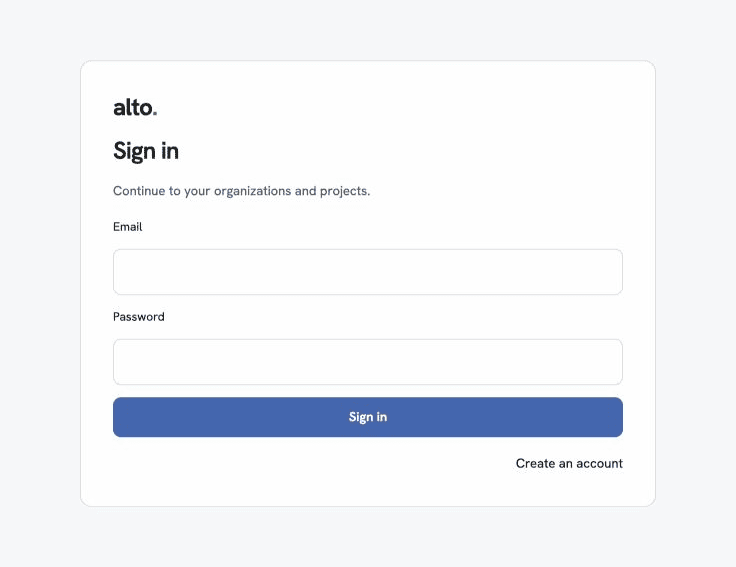
- 3Hand off to a desktop Codex chat
Architecture & trade-offs
Client
Web or Electron calls the API
Authorization
Org and project access checks
Environment job
Policy checks, persisted job
Worker
Allocates, verifies SSH and workspace
Session
Codex and terminal
Return path
Events and history to clients
Optional Backboard memory
Reconciliation, expiry, cleanup
Terraform configures AWS
Known limits No file isolation between teammates · Revoking a key doesn’t end an open SSH session · Cleanup runs on deadlines, not idle time
Key trade-offs I made
Self-hosted auth on SQLite
Benefit: Fast setup; reproducible locally
Trade-off: Limited scaling; JSON coordination records live outside the database
Membership by invitation
Benefit: Verified email + accepted invite + project check; simple to administer
Trade-off: Doesn’t independently prove employment
Reconnection separate from cleanup
Benefit: Workers reconcile resources on startup and every poll, even after a crash, and confirm EC2 and EBS are gone
Trade-off: Shutdown is asynchronous; it recovers resources, not lost work
Lessons
Ship a narrower first slice
One provider, verified readiness, login, one agent turn, confirmed cleanup — then expand.
Keep evidence next to the code
Record what was tested, and at which revision, so planned, built, and demoed stay distinct.