Hacklytics 2026 · iOS · Computer vision
Pushup Pal
Turn a recorded push-up set into form scores, movement charts, and a clear coaching takeaway.
I built every Swift screen and flow, connected the app to the FastAPI backend, and contributed to the computer vision pipeline with the team.
Problem
Beginners can watch good form but struggle to judge their own.
Approach
Score a recorded set against reference reps and form rules.
My part
iOS app, FastAPI integration, and shared computer vision work.
Outcome
Submitted to Hacklytics 2026 with a working demo.
Watching good form is easier than judging your own
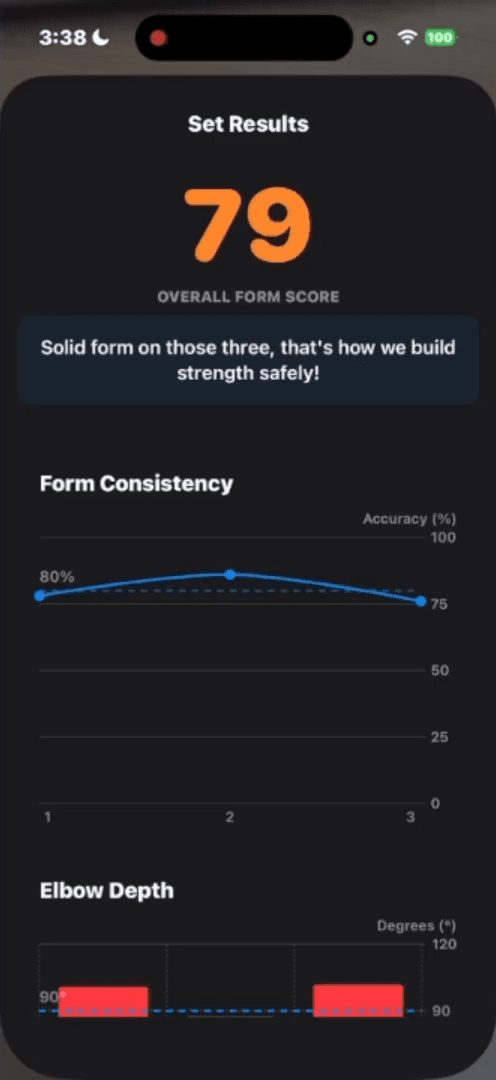
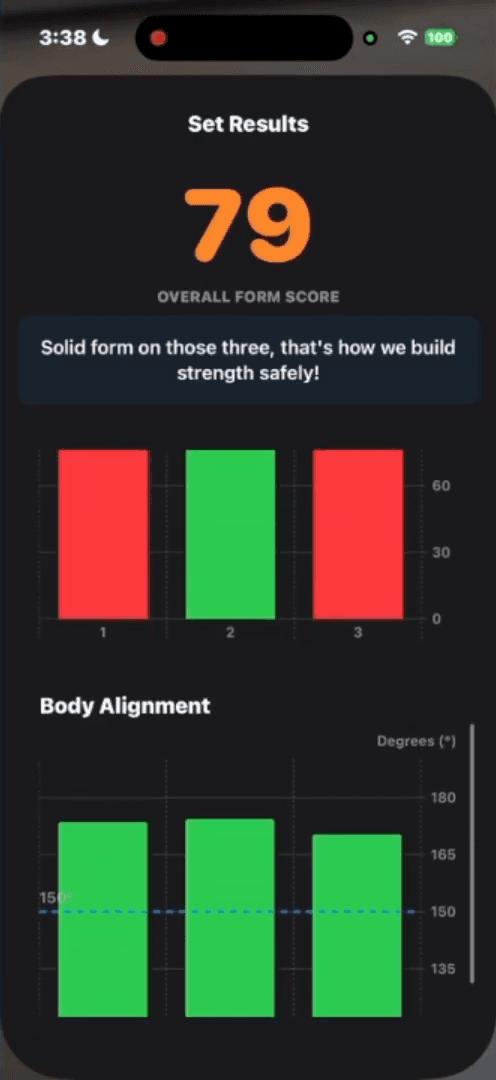
Pushup Pal turns a phone recording into a breakdown of depth, body alignment, and consistency across a set.
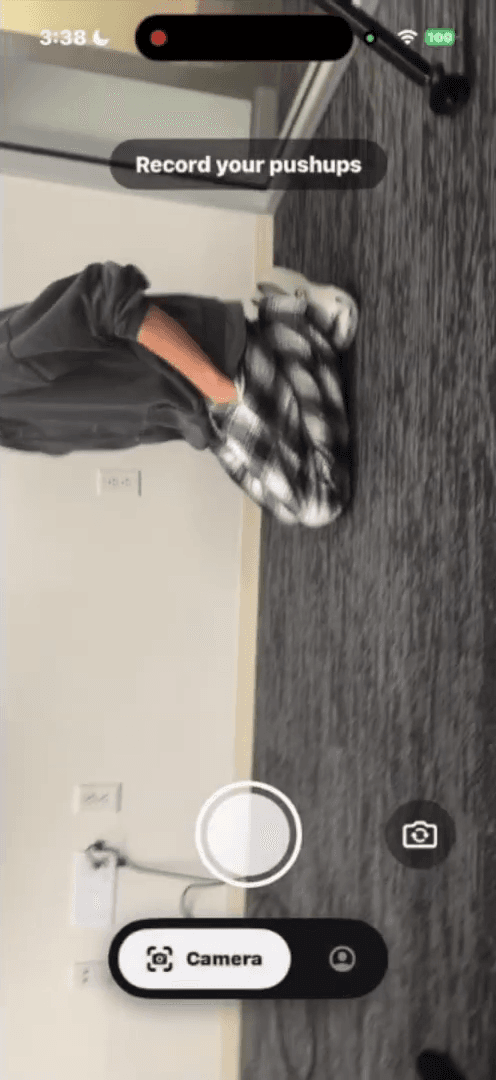
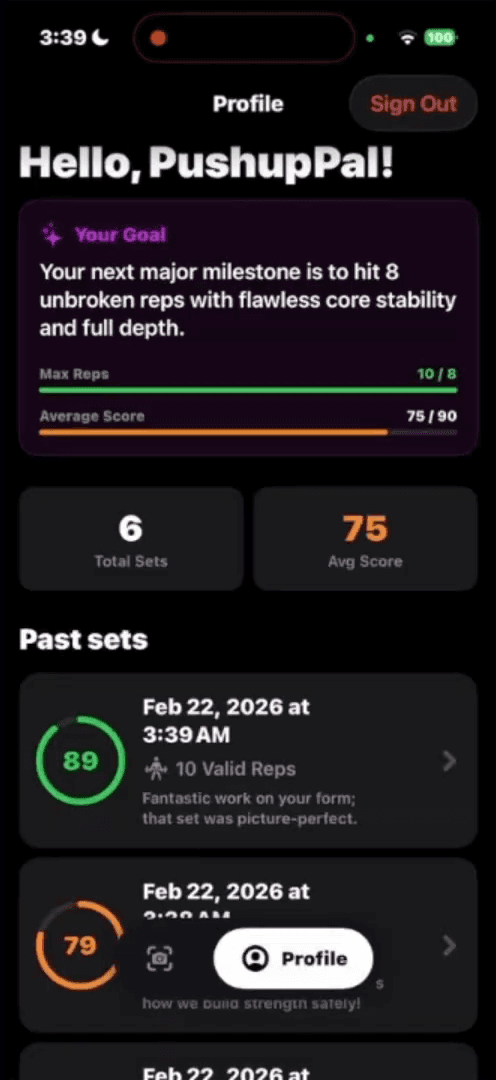
Record a set
Side view, in the iOS app
Review the breakdown
Set score, per-rep scores, depth, alignment
Track progress
History, plus goals after five sets
Demo · Record → analyze → review → improve
Open on YouTube ↗Building the iOS experience
iOS app & backend integration
- Implemented every Swift screen and flow: recording a set, reviewing results, workout history, and goals.
- Connected the app to FastAPI and parsed JSON responses into the data displayed in the interface.
Computer vision · shared
With Kevin Liu and Aarush Mathad, I helped create a sample dataset and contributed to the pipeline’s architecture and implementation.
From movement to a useful next step
Record + upload
MOV/MP4 to FastAPI
Pose → angles
MediaPipe landmarks at ~15 FPS
Split reps
Valleys in elbow angle
Score
FastDTW vs. references + form rules
Coach
One-line takeaway from the summary
Results + history
Saved to Firestore
How a set is scored
Each rep
The set
Hip sag is flagged separately; it doesn’t change the number.
What Gemini sees
Text only — no video or landmark data. A separate call sets goals from recent workouts.
Engineering trade-offs
Server-side analysis
Benefit: Python vision stays out of the native app
Trade-off: Upload time, network dependence, a wait
FastDTW + angle rules
Benefit: Tempo-tolerant matching plus explicit depth checks
Trade-off: Needs calibrated weights and good references
Summary-based coaching
Benefit: Grounded in measured errors; compact request
Trade-off: Only as good as what the pipeline detects
Limits and next steps
Scope: push-ups from a clear side view. Viewpoint, occlusion, and poor visibility affect the measurements.
Validate scoring earlier
Label recordings across people, angles, and lighting; compare with human assessments before tuning weights.
Guide capture before analysis
Framing and pose-confidence checks so the camera is placed right before the set starts.
Built with Kevin Liu and Aarush Mathad at Hacklytics 2026.